Editable Canva Business Card #72: A Template for Modern Networking
First impressions in business are rarely made with a handshake anymore. They start with a digital profile, a quick email signature, or the moment you slide a business card across a table. In a sea of generic templates and forgettable designs, how do you ensure that the piece of cardstock representing your brand actually gets kept? The answer often lies in the details of Editable Canva Business Card #72. This isn't just a pre-made layout; it is a flexible canvas designed for the modern entrepreneur who understands that adaptability is the key to great visual communication.
The Anatomy of a Standout Business Card
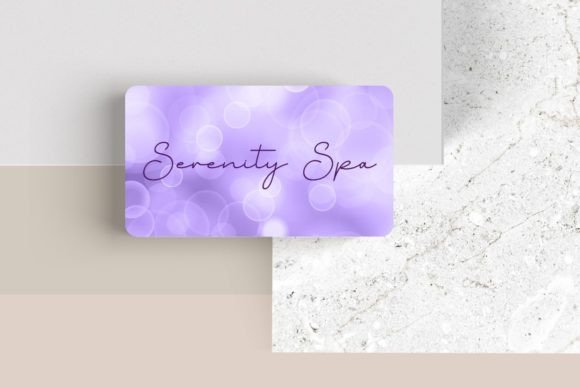
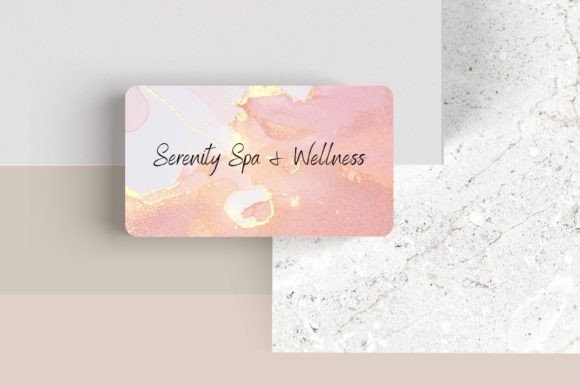
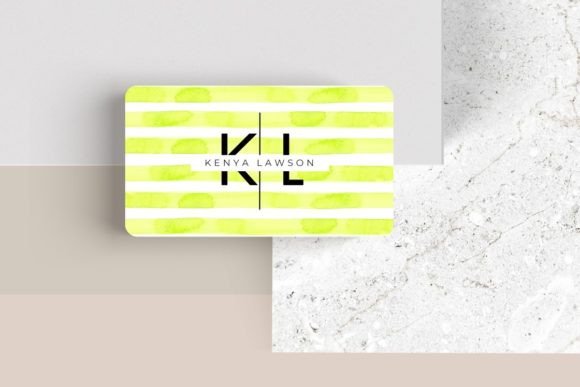
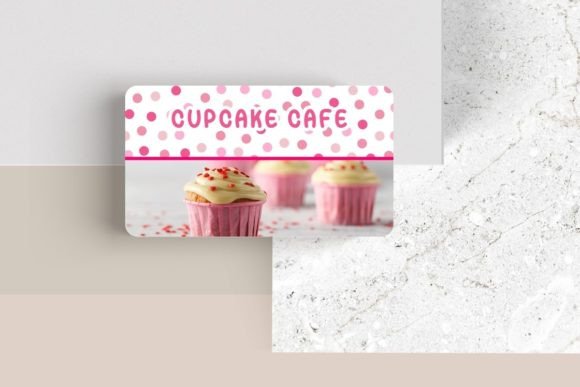
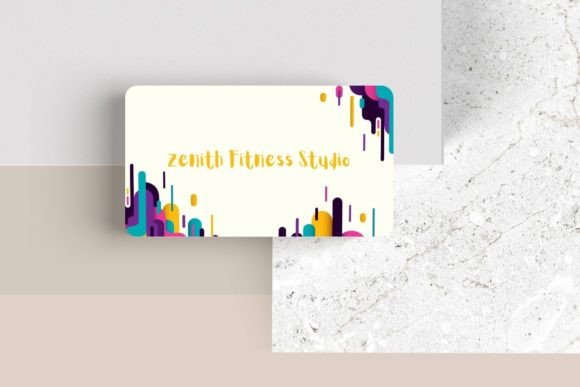
At its core, Editable Canva Business Card #72 is built on the principles of modern typography and clean design. Measuring the standard 3.5″ x 2″, it respects the physical constraints of a wallet pocket while maximizing the visual real estate. What makes this specific design visually appealing is its balance. It avoids the clutter that plagues many small business cards, utilizing negative space to guide the eye. The structure allows for a strong hierarchy—ensuring that your name, title, and contact details are immediately accessible without feeling crowded.
The "sleek and modern" description isn't just marketing fluff; it refers to the design's reliance on geometric balance and contemporary aesthetics. Whether you are a freelancer, an architect, or a boutique owner, the design provides a professional backdrop that elevates your specific content. It acts as a frame for your brand identity, allowing your logo and personal details to take center stage without fighting against a busy background.
Customization: Beyond Simple Text Editing
One of the most common frustrations with design assets is rigidity. You download a template, only to find you can't move the logo or change the font size. This is where the utility of this specific Canva template shines. The ability to customize font, font color, and size is fundamental, but the true power lies in the structural flexibility.
With Editable Canva Business Card #72, you are not locked into a static layout. You can:
- Move elements around: If your logo is wide rather than tall, you can shift the layout to accommodate it without breaking the design flow.
- Add additional elements: This is crucial for brand recognition. You aren't limited to text; you can upload high-resolution photos, intricate brand patterns, or secondary icons to reinforce your visual identity.
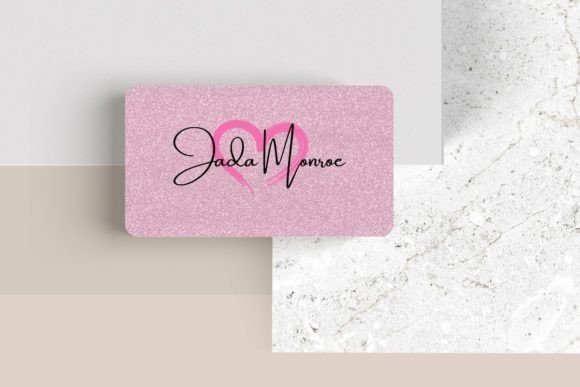
- Choose from a variety of fonts: Typography sets the tone. A sans serif font suggests modernity and approachability, while a serif font implies tradition and authority. A script font might add a touch of elegance for a wedding planner or boutique shop.
This level of control transforms the template from a simple business card into a comprehensive brand identity tool. It ensures that the final product doesn't look like a template at all—it looks like a bespoke design created specifically for your business.
Practical Applications Across Industries
While the primary function is networking, the versatility of a high-quality editable template extends far beyond a 3.5″ x 2″ card. Because the design is vector-based and customizable, it serves as a foundation for various marketing assets.
For the Digital Nomad: The design principles used in this card translate seamlessly to social media graphics. By extracting the typography and layout style, you can create cohesive Instagram stories, LinkedIn banners, or email signatures that match your physical card perfectly.
For Product-Based Businesses: Think about packaging design. You can adapt the business card layout to create hang tags for clothing, care labels, or small thank-you notes included in shipping boxes. This ensures visual consistency across every customer touchpoint.
For Event Planners and Creatives: The layout can be tweaked for invitations or mini-portfolios. If you are a photographer, you could use the template to create a sleek, pocket-sized lookbook to leave with potential clients.
Typography Tips for Your Customization
When diving into the customization of Editable Canva Business Card #72, it is easy to get overwhelmed by the thousands of available typefaces. Here is some practical advice for choosing the right style and ensuring readability:
- Prioritize Legibility: A business card is small. While a highly decorative display font or handwritten font might look beautiful on a poster, it can be illegible at 8pt size on a card. Use decorative fonts sparingly—perhaps only for your name or a headline—and stick to a clean sans serif font for contact details like email addresses and phone numbers.
- Master the Font Pairing: Good design usually involves contrast. If you choose a bold, thick header font, pair it with a lighter, spaced-out body font. Avoid pairing two fonts that are too similar, as this often looks like a mistake rather than a design choice.
- Check Your Licensing: While Canva provides many free fonts, some premium elements may require a Pro subscription or separate commercial font license. If you plan to use this card design for a massive print run or merchandise, ensure you have the rights to the specific typefaces you select.
- Contrast is Key: Ensure your font color contrasts sharply with the background. Light grey text on a white background might look "minimalist" on a screen, but it often fades away in print. High contrast ensures your information is accessible to everyone.
Bridging the Gap Between Digital and Print
In an era dominated by web design and digital portfolios, the physical business card remains a potent tool. It is a tactile reminder of a conversation. However, for it to be effective, it must bridge the gap between your online presence and your physical reality.
When you customize Editable Canva Business Card #72, think about how the design interacts with your editorial design or website layout. If your website uses a specific shade of blue and a modern sans-serif typeface, your business card should mirror that. This synchronization creates a subconscious sense of trust and professionalism. When a client picks up your card, they should feel the same "vibe" they get when they visit your homepage.
Furthermore, consider the practicalities of the physical medium. If you plan to write on the card (e.g., to jot down a specific URL or a personal note), ensure you leave a blank space with a matte finish rather than a glossy one. The template allows for this kind of strategic planning.
Making a Lasting Impression
Ultimately, the goal of any creative font or design template is to facilitate connection. Editable Canva Business Card #72 provides the structure, but you provide the story. By taking the time to customize the elements—moving things around to suit your specific logo, selecting a premium font that speaks to your audience, and ensuring professional presentation—you transform a piece of paper into a powerful networking tool.
Whether you are handing this card to a potential investor, a collaborator, or a customer, you want them to see a reflection of the quality you bring to your work. Don't settle for a default layout. Use the flexibility of this editable template to create something that stands out, feels cohesive, and drives your brand forward. In the competitive landscape of modern business, that extra effort in your packaging design and collateral is often what makes the difference between being remembered and being forgotten.