Editable Canva Business Card #11: A Modern Networking Essential
You’ve just had a fantastic conversation with a potential client or collaborator. The connection is there, the ideas are flowing, and then comes the moment to exchange contact information. You reach into your wallet, and the card you hand over is more than just paper—it’s a tangible piece of your brand’s story. A generic, forgettable card can dampen that spark, while a thoughtfully designed one can reinforce the professionalism and creativity you just demonstrated. This is where a tool like the Editable Canva Business Card #11 becomes invaluable, offering a sleek, modern foundation that you can transform into a true extension of your brand identity.
The Anatomy of a Card That Works
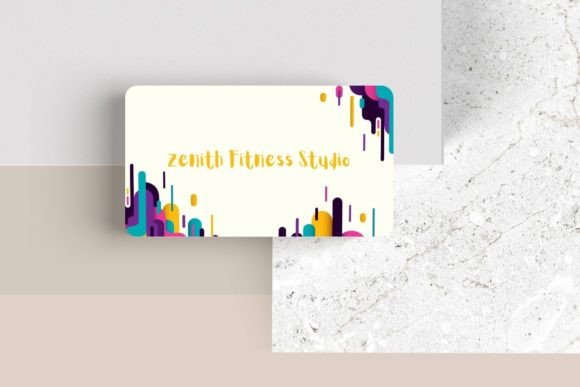
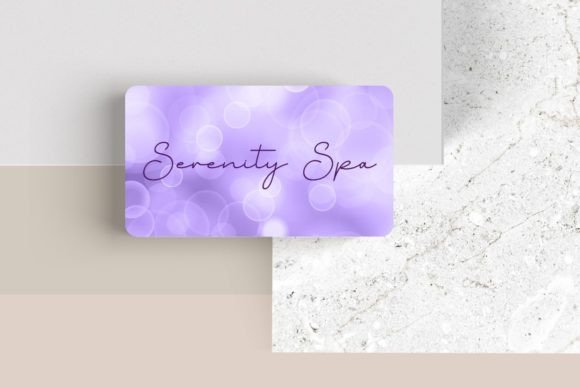
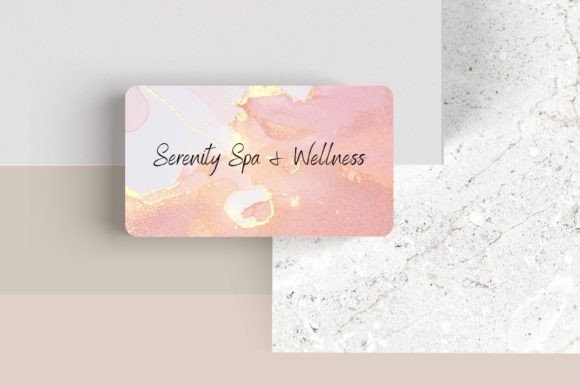
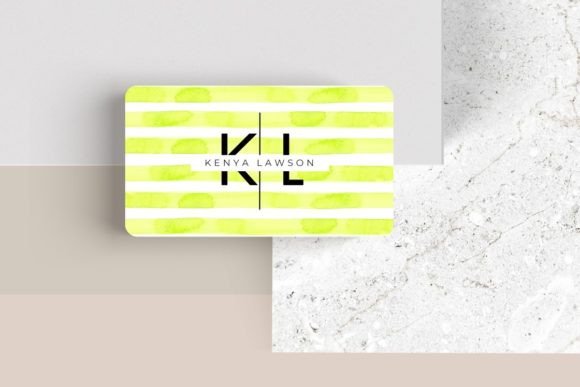
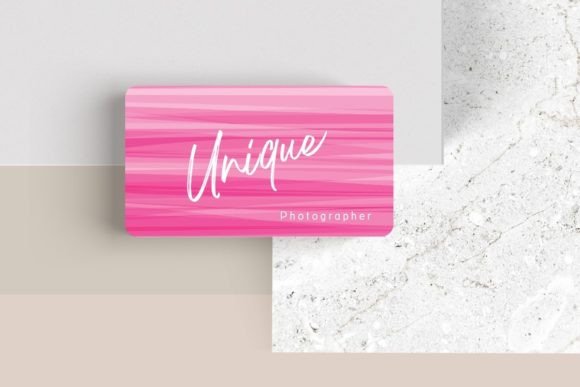
What makes a business card effective in a stack of dozens? It’s a balance of clean design, clear information, and a hint of personality. Editable Canva Business Card #11 starts with a modern, minimalist aesthetic that prioritizes readability and visual hierarchy. The layout guides the eye naturally from your name and title to your essential contact details. This isn’t about flashy graphics that overwhelm; it’s about confident, professional presentation. The standard 3.5″ x 2″ dimensions ensure it fits perfectly in cardholders and wallets, a practical consideration that shows respect for the recipient’s space.
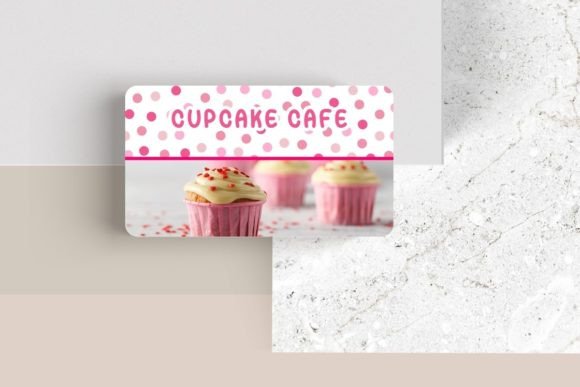
The real power, however, lies in its adaptability. Because every element is customizable within Canva’s intuitive platform, you’re not buying a rigid template—you’re acquiring a versatile design system. You can adjust the font, font color, and size to match your existing brand guidelines precisely. Have a specific premium font that defines your brand? You can upload and apply it. Need to add your logo in a specific spot or move elements around to better frame your information? The template’s structure allows for this flexibility. You can even add additional elements like photos or logos to create a more dynamic composition, perhaps a subtle texture or a secondary brand mark.
Beyond the Handshake: Strategic Brand Applications
While its primary function is networking, a well-designed business card template serves as a springboard for broader brand consistency. The visual language you establish here—the color palette, the typographic style, the layout principles—should echo across all your touchpoints. Consider how the same design sensibility can be adapted for:
- Packaging Design: The clean lines and modern typography can translate to product labels, thank you cards included with orders, or shipping materials, creating a cohesive unboxing experience.
- Social Media Graphics: Use the same color scheme and font pairings for Instagram story templates, quote graphics, or promotional posts to build instant visual recognition.
- Marketing Assets: The professional presentation style is ideal for digital brochures, email newsletter headers, or webinar slide decks, ensuring your materials look polished everywhere.
- Digital Products & Editorial Layouts: For bloggers or creators selling guides or ebooks, the typographic hierarchy and spacing from the card can inform chapter headings, pull quotes, and cover designs.
This approach to visual consistency is a cornerstone of strong brand recognition. When a client sees your business card and then encounters the same aesthetic on your website or Instagram feed, it creates a seamless, trustworthy brand experience. It tells them you pay attention to details, which translates to confidence in your services or products.
Making Informed Design Choices
Customizing a template effectively requires more than just swapping out text. It’s about making intentional choices that serve your project’s goals. Here’s some practical guidance for working with a resource like this:
- Choose Fonts with Purpose: The template likely includes suggested font pairings—often a combination of a sans serif font for clean headings and a complementary serif font or script font for accents. Stick to no more than two or three typefaces to maintain clarity. A display font might work for your name, but ensure your contact details are in a highly readable sans serif style.
- Prioritize Readability Above All: A beautiful design fails if people can’t quickly find your phone number or website. Test your card at actual size. Is the font size too small? Is there sufficient contrast between the text and background? Simplicity often wins in modern typography.
- Test Your Pairings in Context: Don’t just design the card in isolation. View it alongside your logo, your website homepage, and a social media post. Do they feel like they belong to the same family? This is crucial for building a cohesive brand identity.
- Understand Licensing for Commercial Use: If you plan to use the template as part of a client project or for merchandise you sell, verify the licensing terms of both the Canva template and any fonts you upload. Most templates for commercial use allow for this, but it’s always best practice to confirm, especially for large-scale print materials or merchandise.
Think of the Editable Canva Business Card #11 not as a finished product, but as a professional-grade starting point. It provides the structural integrity and design fundamentals, freeing you to focus on the creative decisions that make the card uniquely yours. Whether you’re a freelance designer presenting your portfolio, a small business owner establishing a local presence, or a content creator building a personal brand, the goal is the same: to create a small but powerful artifact that people remember and want to follow up with. It’s a practical investment in the first impression you make, ensuring it’s as polished and intentional as the work you do.