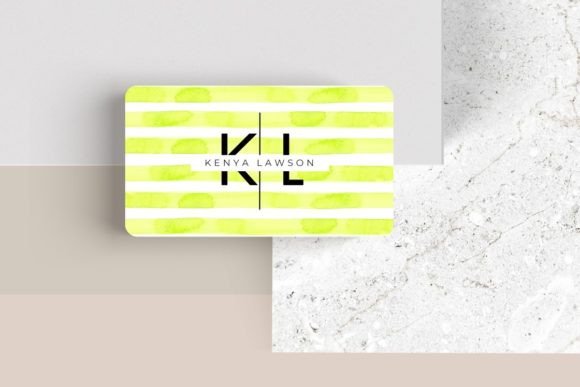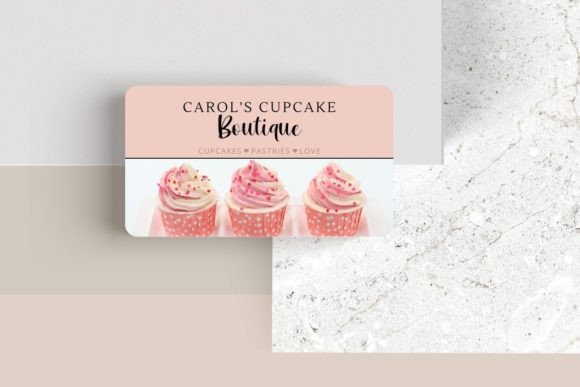
Editable Canva Business Card #8: A Modern Design for Bold Professionals
That moment when you’re at a networking event or a casual coffee meeting, and someone hands you a business card. You glance at it, and it’s… forgettable. A plain white card with basic black text, no real personality. It gets lost in the shuffle of a dozen other cards just like it. Now, picture the opposite. You hand over a card with a sleek, modern design, a layout that feels intentional, and colors that pop. It feels substantial, professional, and uniquely you. That’s the difference a thoughtfully designed template can make, and it’s exactly what the Editable Canva Business Card #8 aims to deliver.
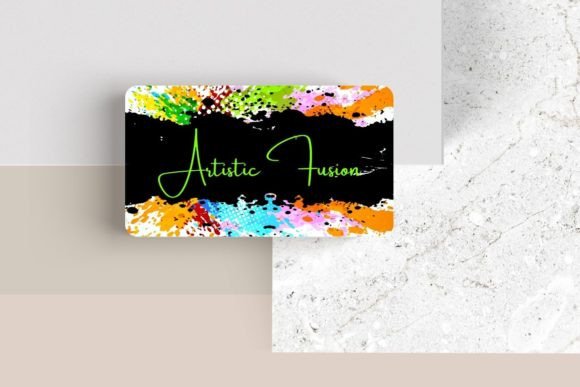
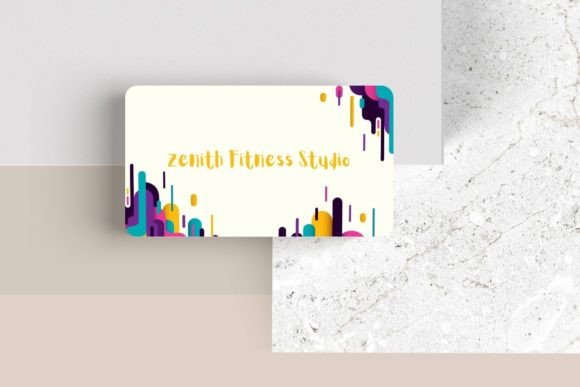
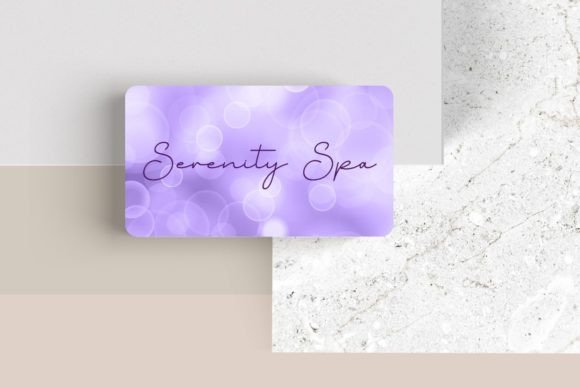
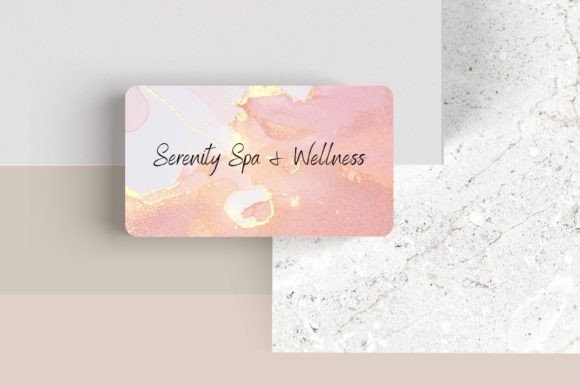
This isn’t just another static template you have to struggle with. It’s a dynamic starting point built in Canva, the design platform millions already use and love. The real power lies in its editability. You’re not just changing the name and phone number; you’re given the creative reins to tailor every single element. Think of it as a professional-grade foundation where you can inject your brand’s specific voice and visual identity. The design itself leans into a contemporary aesthetic—clean lines, balanced white space, and a modern typography style that feels both authoritative and approachable. It’s the kind of design that works seamlessly for a freelance graphic designer, a startup founder, a boutique owner, or a creative consultant.
Beyond the Business Card: A Versatile Design Asset
While its primary purpose is to create a standout business card, the true value of a template like this extends far beyond a 3.5″ x 2″ rectangle. The design principles and customizable elements make it a fantastic springboard for a range of marketing and branding materials. Consistency is the bedrock of brand recognition, and starting with a cohesive visual system from day one saves countless hours and headaches down the line.
Consider using the design’s layout and color palette as a starting point for your social media graphics. You could adapt the card’s header section into an Instagram story template or a LinkedIn banner. The font pairings suggested in the template can inform the typography you use across your website, blog posts, and digital ads, creating a seamless experience for your audience from the moment they see your card to when they browse your online presence. For entrepreneurs who sell physical products, the modern aesthetic could inspire packaging design elements or labels. Even for internal use, the design can be repurposed for professional letterheads, presentation slides, or email signatures, ensuring every touchpoint feels polished and intentional.
Practical Customization: Making the Template Truly Yours
The flexibility of the Editable Canva Business Card #8 is where the practical magic happens. Canva’s user-friendly interface means you don’t need to be a seasoned graphic designer to make impactful changes. Here’s how you can leverage the customizable features to build a card that works hard for your brand:
- Typography as Tone: The font, font color, and size are fully adjustable. This is crucial. A bold, geometric sans-serif font communicates innovation and clarity, perfect for a tech consultant or a modern SaaS company. A elegant serif might convey tradition and trust, ideal for a financial advisor or a law practice. You can even swap in a script font for a creative or personal touch, like for a wedding photographer or a artisan baker. Test different combinations to see what aligns with your brand personality.
- Logo Integration: Your logo is your visual shorthand. The template allows you to easily add your logo, ensuring it’s placed prominently and sized correctly. This is non-negotiable for building brand recognition. A well-placed logo turns a generic card into a branded piece of communication.
- Layout Freedom: The instruction to “move elements around” is a game-changer. Maybe the default layout puts your job title on the left, but you want it centered under your name for more impact. Or perhaps you need to adjust the spacing to accommodate a longer company name. This level of control means the template adapts to your information, not the other way around.
- Adding Personal Flair: The ability to add additional elements like photos or logos opens up creative avenues. A freelance photographer might add a small, striking image of their work. A consultant could include icons representing their key services. Just be mindful of clutter—the card’s modern design relies on clean space to remain effective.
Choosing and Pairing Fonts with Purpose
Even within the editable framework, making smart typography choices is key. The template likely comes with a suggested font pairing, which is a great starting point. A common and effective strategy is to pair a display font for your name or headline with a highly readable sans-serif font for contact details. This creates visual hierarchy and guides the reader’s eye.
When selecting fonts, consider your audience. A handwritten font might feel friendly and approachable for a children’s party planner but could undermine the credibility of a corporate auditor. Always prioritize readability. A beautifully ornate script is useless if no one can decipher your email address. Print a test copy at actual size to ensure all text is legible. Furthermore, think about how the fonts from your business card will translate to other design assets. Choosing a premium font that has multiple weights (light, regular, bold) gives you more flexibility for creating a full brand identity system later.
From Digital File to Tangible Impression
Once you’ve perfected your design in Canva, the final step is production. Canva allows you to download your file in high-resolution PDF format, ready for print. When ordering prints, pay attention to paper stock. A thicker, matte or lightly textured cardstock often feels more premium and durable than standard glossy paper, enhancing the tactile experience of your modern typography and design.
Remember, your business card is often the first physical artifact of your brand that a potential client or collaborator holds. It’s a small but powerful piece of marketing. The Editable Canva Business Card #8 provides the professional framework, but your customization infuses it with meaning. It transforms a generic template into a strategic tool for brand recognition, helping you present a cohesive, polished, and memorable identity to the world. It’s not just about having a card to hand out; it’s about making sure the card you hand out truly represents the quality and character of your work.